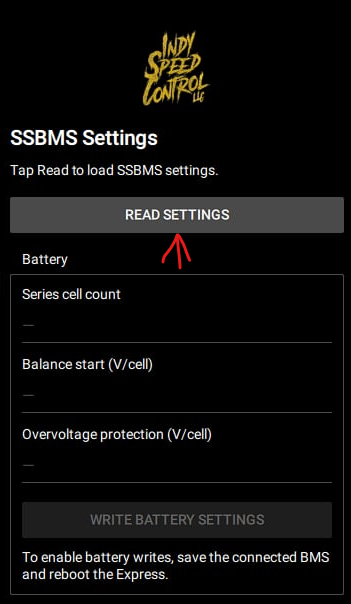
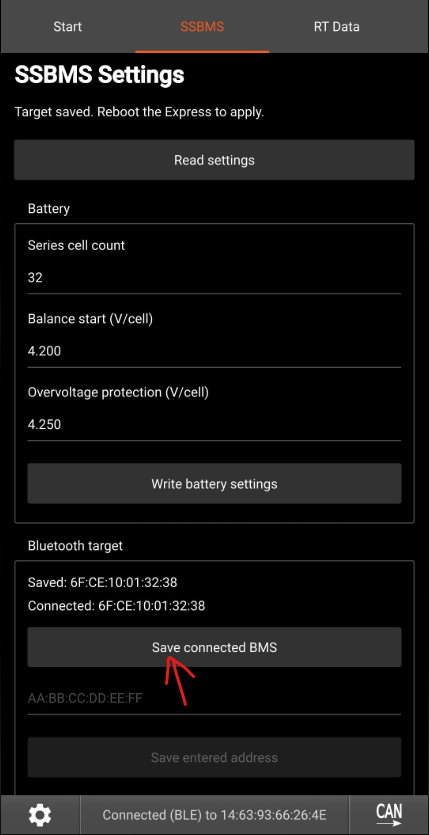
To do this you will need Vesc Express. I have tested this on Thor 400, Jetfleet F6, aswell as an external vesc express module.
Caution: Uploading Firmware removes any currently installed packages and erases your configuration, it is reccomended to backup your configuration prior to updating.
INSTALL:
Download the firmware file here
Connect to your vesc Express using Vesc tool (this is how you would normally connect to the controller)
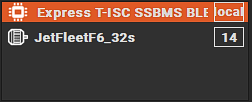
Verify on the Can bus you are connected to the express not the controller.
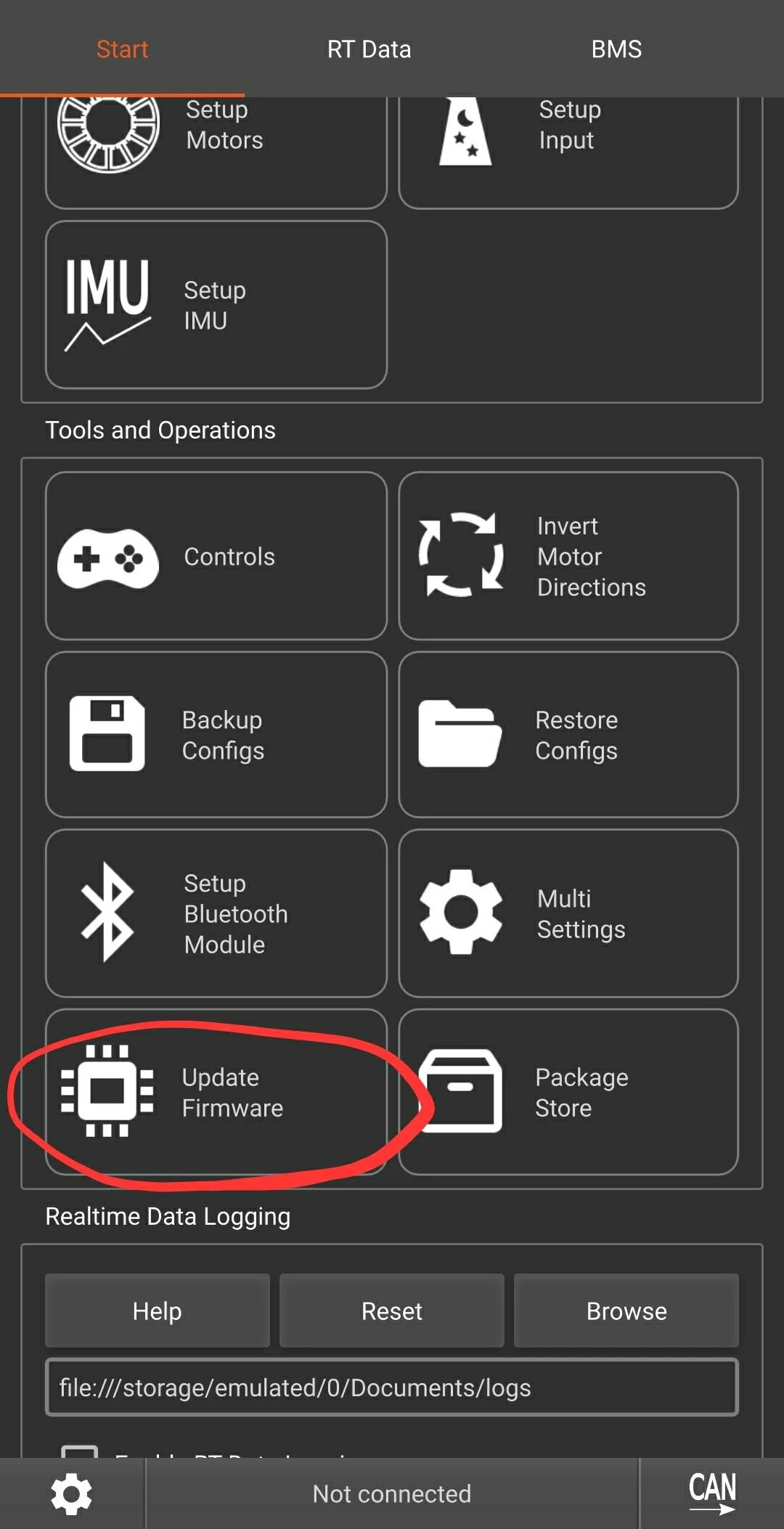
Click “Update Firmware”
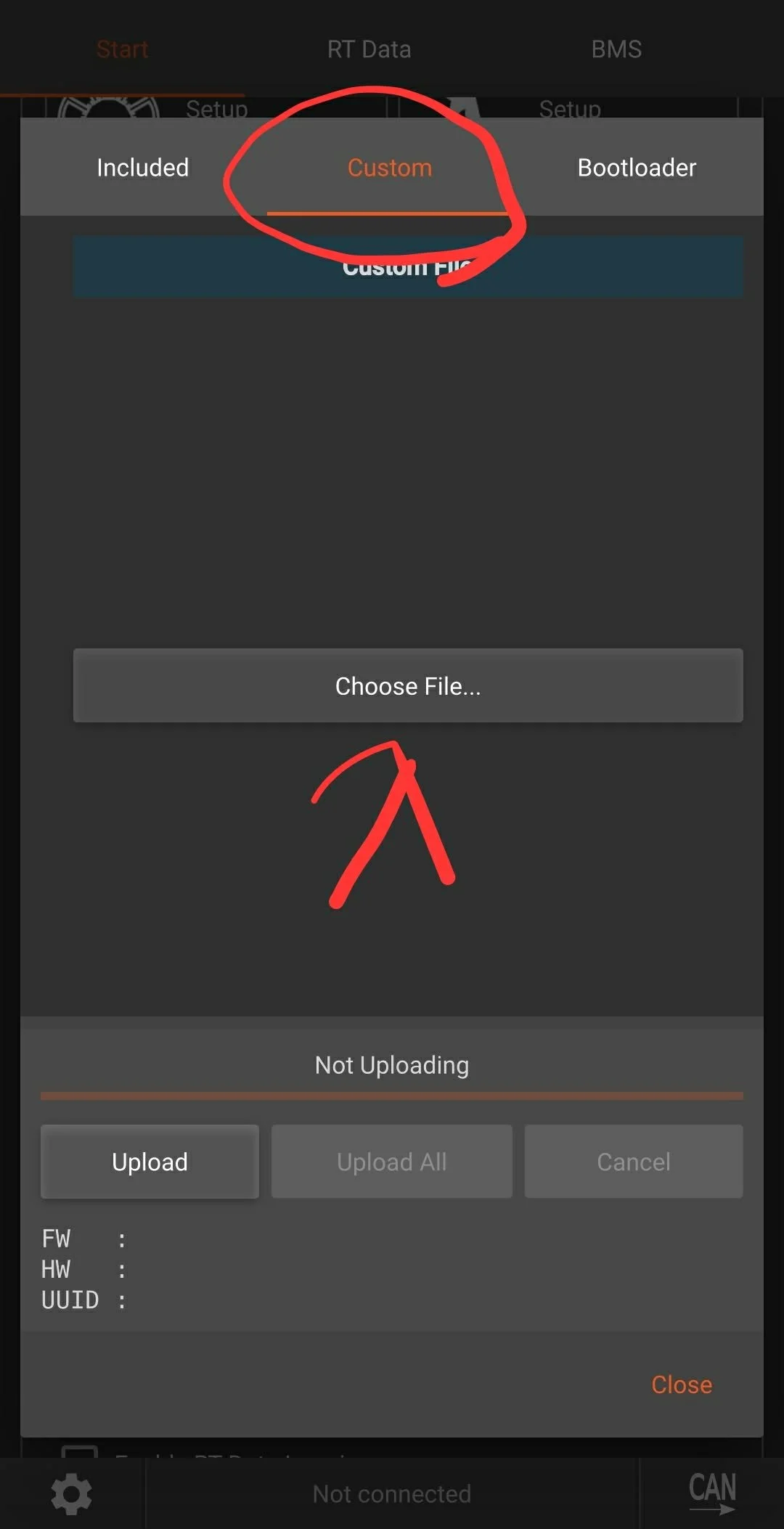
Click “Custom”
Click “Choose File”
Find the file you downloaded earlier.
Click “Upload”
DO NOT click “Upload All”
Make sure your phone or computer stay connected during the entire firmware update process.
After the firmware updates you should see a tab at the top that says SSBMS
If you have a nearby SSBMS that is powered on it should automatically connect to it
go to the BMS tab and verify that you are connected to a BMS and it is the correct one.
Click “SSBMS”
Click read settings
click save connected BMS and this controller will now connect to this specific BMS everytime you power it on.
If auto connect paired to the wrong BMS you can enter in the UUID of the correct bms manually if needed.
Note: The SSBMS only supports 1 client, so the Indy Speed control app will not work while your controller is connected to the BMS. simply power off your controller to use the Indy speed control app.